

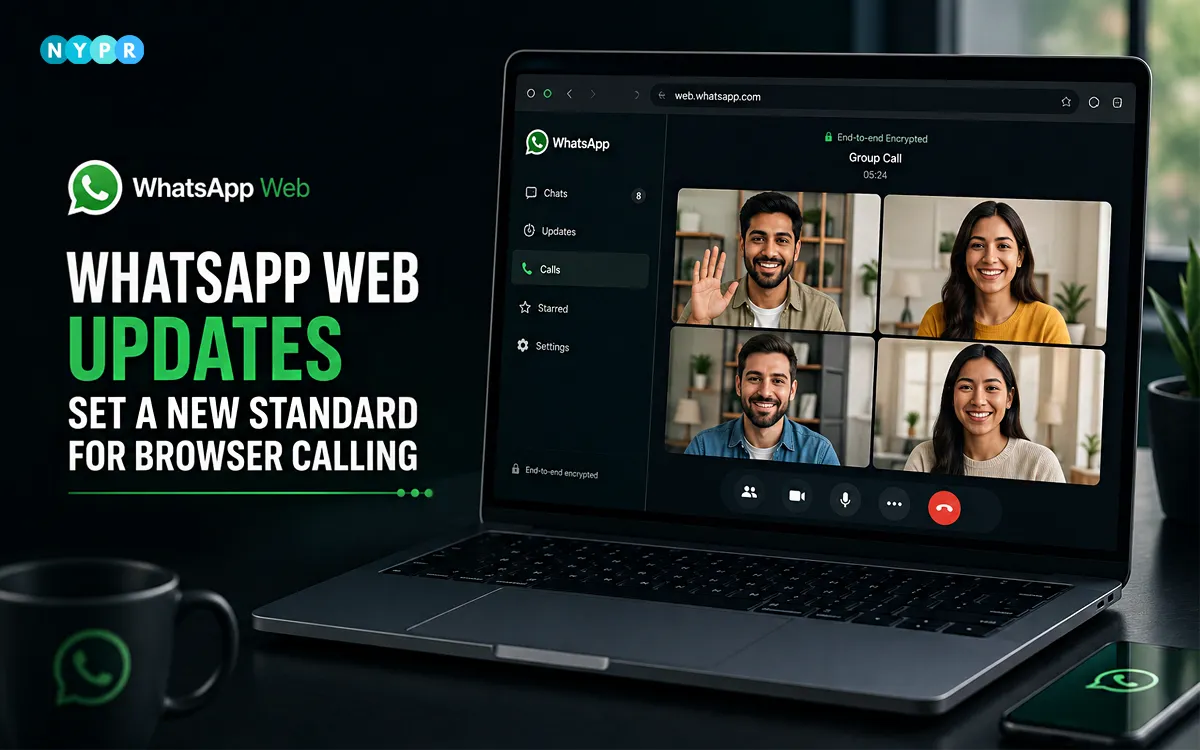
On July 28, 2026, WhatsApp announced one of the biggest updates to its web platform. Users can now make and receive voice and video calls directly from a web browser. Until now, they had to switch to the desktop app whenever they wanted to start or answer a call.
That’s changing with the latest WhatsApp Web updates. This software update introduces browser-based voice and video calling while also rolling out new calling tools that make group conversations easier to manage. These features make group conversations easier to manage and improve overall call quality. The update is rolling out gradually, so users may receive it over the coming weeks.
Who will benefit the most?
- Students can join study groups from shared libraries or campus computers.
- Office professionals can take calls from work laptops without downloading extra software.
- Teachers and community leaders get more control over who joins group calls.
- Remote teams can move between devices without restarting conversations.
- Frequent travelers can stay connected from almost any browser.

For years, WhatsApp Web worked mainly as a messaging companion. Calling was only available through the mobile or desktop app. Now, users can start or answer both voice and video calls from a supported browser. That means fewer interruptions during the day.
Imagine arriving at work while you’re already on a phone call. Instead of ending the conversation, you can open WhatsApp Web and continue from your computer. The switch feels much smoother. The browser experience also includes familiar WhatsApp Web features. Users get screen sharing, emoji reactions, a dedicated Calls tab, call history, and favorite contacts. WhatsApp says every call remains end-to-end encrypted and free to use.
WhatsApp is introducing Call Transfer, making it easier to continue conversations across devices. The company is also adding a waiting room. Hosts can turn on “Require approval to join” for group calls. Participants must wait until they’re approved before entering. The feature adds an extra layer of control. It’s especially useful for classrooms, business meetings, community groups, and online events. Hosts stay in control without disrupting the conversation.
Call quality is getting an upgrade too. With Quick HD, high-definition video appears faster after a call begins. Users spend less time waiting for a clearer picture. Noise suppression helps reduce background sounds. The feature reduces background noise. That makes calls clearer in cafés, airports, railway stations, and busy offices.
The latest WhatsApp features reflect broader tech trends in how people communicate. More meetings, classes, and personal conversations now happen through a browser instead of a dedicated app, as users increasingly prefer flexible, cross-device communication.
Rather than creating another meeting platform, WhatsApp is improving a service people already use every day. That approach feels practical. Most users don’t want another app to manage. They want familiar tools to work better across every device. The WhatsApp Web updates do exactly that. They remove extra steps, improve call quality, and make the web version a stronger option for everyday communication.
Author’s Note:
At the New York press release, we believe the biggest story isn’t just browser calling. It’s the simpler experience behind it. WhatsApp no longer requires a desktop app for web calling. It has also upgraded group calls. These changes make the web version more useful for work, online learning, and everyday conversations.















Leave a comment