

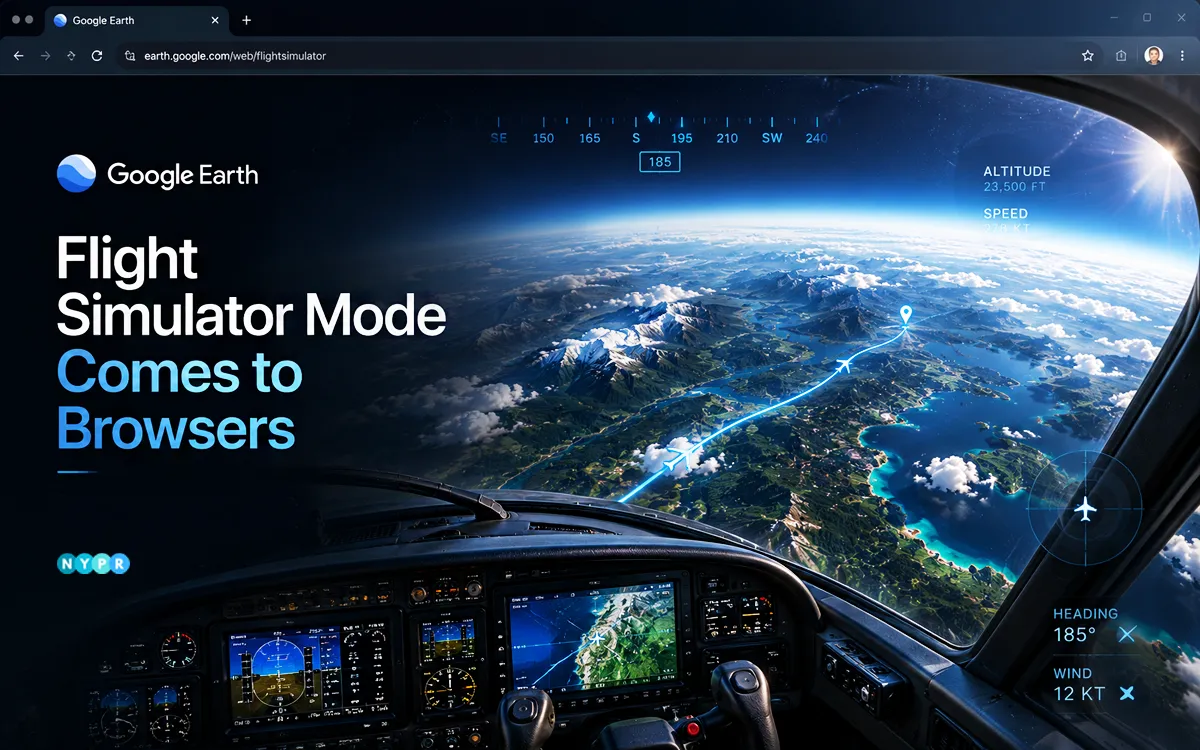
Google Earth has launched its flight simulator mode on web browsers, giving users a new way to explore cities, mountains, and landmarks from a pilot’s perspective without downloading desktop software. The update expands the feature beyond its earlier desktop-only availability, making the browser-based simulator easier to access for anyone interested in virtual flight experiences.
Available through the web version of Google Earth, the feature combines satellite imagery, 3D buildings, and interactive controls to create an immersive view of the world from above. Users can take off, fly across the globe, and discover destinations without installing additional software or creating a specialized gaming setup.
According to Google’s developer documentation, the feature is designed for casual exploration rather than professional flight training and uses simplified flight physics instead of high-fidelity simulation systems.
The rollout also highlights Google’s efforts to turn Google Earth into more than a mapping platform. Over the past two years, the company has introduced interactive experiences, including historical recreations of select places and time periods, giving users new ways to engage with geographic information.
Follow these steps:
- Open Google Earth on your computer.
- Click Explore Earth on the home screen.
- Open the Tools menu in the top navigation bar.
- Select Flight Simulator.
- Choose your aircraft and begin flying.
The feature currently works only in the web version of Google Earth and is not available on mobile devices. The browser flight simulator lets users fly over real-world locations using Google Earth’s extensive library of satellite imagery and 3D models.
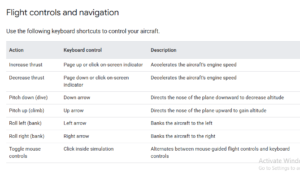
As users move across the map, terrain data, buildings, and high-resolution imagery load dynamically in real time. Flying over major cities, coastlines, and natural landmarks can create a surprisingly immersive experience, although performance may vary depending on internet speed and hardware capabilities.
During testing by early users, the simulator has generally delivered smooth navigation at standard speeds, while rapid movement over dense urban environments can occasionally trigger brief texture-loading delays as map data streams in.
Google notes that the experience is intended as an interactive exploration tool rather than a substitute for dedicated aviation simulators. Google has outlined several limitations for the browser-based simulator:
- The feature is available exclusively on the web version of Google Earth.
- Flight physics are simplified and not intended for pilot training.
- Flying at extreme speeds or using slower internet connections may result in temporary loading delays.
- Terrain anomalies may occasionally appear in regions below sea level.
- Standard map shortcuts are disabled during flights to prevent overlapping controls.
If an aircraft crashes into terrain, the simulation pauses automatically and offers a restart option that restores the aircraft to a safe altitude. Users can exit the simulator at any time by clicking the back arrow in the upper-left corner of the screen. Bringing the flight simulator to browsers reflects a broader shift toward interactive, browser-first experiences.
By removing installation requirements, Google lowers the barrier to entry for users who want to explore the world virtually. The move also positions Google Earth as both an educational resource and an entertainment platform.
As interest in virtual tourism, immersive maps, and web-based experiences continues to grow, features like this could help Google Earth attract a broader audience beyond students, researchers, and geography enthusiasts.
Author’s Note: The browser rollout removes one of the biggest barriers to entry for virtual exploration: software installation. While the simulator is not designed to compete with dedicated flight training platforms, it offers an accessible way to experience the scale and detail of Google Earth’s mapping technology from a completely new perspective.









Leave a comment